
Summary
Keywords
Full Transcript
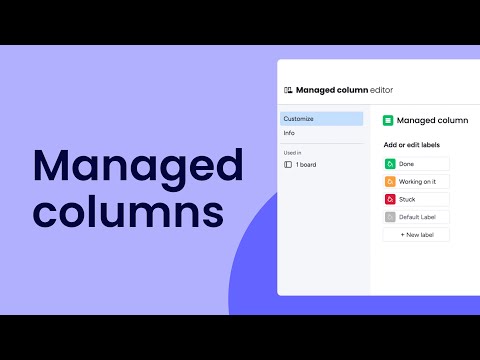
Columns are an integral part of getting things done on monday.com, so we're kicking them up a notch! Hannah shows Enterprise and Pro users how managed columns allow the owner to create, own, and control columns with predefined labels that can't be edited by members. 00:00 - Introduction 00:09 - Overview 00:23 - Supported column types 00:35 - Create a managed column 00:54 - Add a created managed column 01:17 - Member view 01:25 - Cascading changes 01:31 - Grant managed column permissions 01:45 - Deletion vs. deactivation 02:17 - Outro Want to deep dive into this topic? Check out our Academy and more resources in our help center! https://monday.com/helpcenter/ Curious about our live webinars? Join us here: https://monday.com/cs/webinars/ Haven't checked out our free trial? Sign up here: https://hey.monday.com/CS #managedcolumns #monday #column

Continue this lesson in the app
Install CourseHive on Android or iOS to keep learning while you move.




