Summary
Keywords
Full Transcript
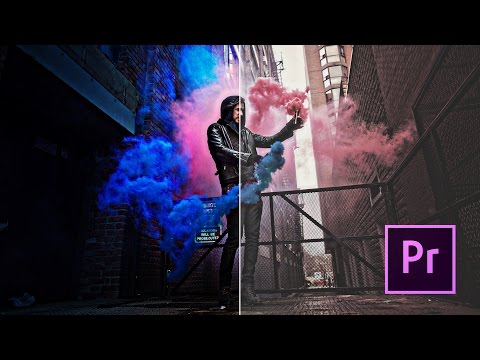
This is how to create more cinematic / Hollywood looking footage with some easy tips on colour correction and a little bit of sound design. This tutorial outlines some basics in colour grading within Premiere Pro without having to use third party plug-ins. As a bonus, you'll learn how sound effects and music can dramatically change the look and feel of your footage. You can also check out my LUT Pack for more colour grading and a tutorial here : https://sellfy.com/p/EaHg/ Like, Comment & Subscribe to stay updated with the latest content! VLOGS uploaded frequently! GEAR: My MAIN Camera - http://amzn.to/2kdu35o My FAVOURITE Lens Ever - http://amzn.to/2kQNK4U The Magic Canon Lens of Life - http://amzn.to/2kXF9Qm The Mic I use - http://amzn.to/2l23rrZ My Drone - http://amzn.to/2kdE3M7 GoPro HERO 5 - http://amzn.to/2l1Nhit Follow Me: Instagram: https://www.instagram.com/petermckinnon/ Twitter: https://twitter.com/petermckinnon Facebook: https://www.facebook.com/petermckinnon Website: http://www.petermckinnon.com

Continue this lesson in the app
Install CourseHive on Android or iOS to keep learning while you move.