
Summary
Keywords
Full Transcript
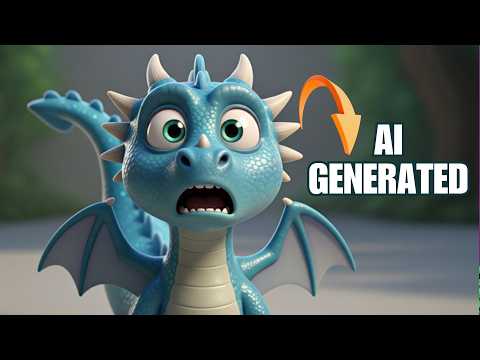
How To Make 3D Animation Stories With FREE AI Tools — Beginner-Friendly Tutorial Ever dreamed of making your own 3D animated short film without any experience or expensive software? In this video, I’ll walk you through step-by-step how to create stunning Pixar-style 3D animation videos using 100% free AI tools — no animation degree, no paid software, no team required! Ever wondered how creators make stunning 3D AI animations from just a single image? 👀 In this video, I’ll show you my complete workflow — using only FREE AI tools — to turn static images into full cinematic 3D scenes! 💡 This is an extended version of my previous tutorial, so if you haven’t seen that yet, I highly recommend watching it first. It’ll make this video even easier to follow! In this tutorial, you’ll learn: ✅ How to use Google Whisk to generate Pixar-style 3D animation images ✅ How to refine your AI scenes for perfect camera angles and consistency ✅ How to turn your images into realistic AI videos using Google Veo 3 ✅ How to do perfect lip-syncing and voiceovers using 11 Labs or CapCut voices ✅ How to edit everything together for a cinematic finish 📸 Tools Used in This Video: Google Whisk (for image generation) Google Veo 3 (for AI video creation) 11 Labs / CapCut Voices (for audio and lip-sync) CapCut (for final editing) 🚀 Bonus Tip: Create multiple free accounts on Google Veo 3 to get more credits and generate more videos — completely free! If you found this helpful, don’t forget to LIKE 👍, SUBSCRIBE 🔔, and COMMENT below what kind of AI tutorials you want next. #AITutorial #3DAnimation #GoogleVeo3 #GoogleWhisk #AIVideo #FreeAITools #AnimationTutorial #AIShorts #PixarStyleAnimation #AIWorkflow 📌 Connect on WhatsApp Channel [https://whatsapp.com/channel/0029VbAvg5PB4hdO7UlmkY3d] 👍 Like this video if you learned something new 💬 Comment below if you have questions or want more tutorials #AIAnimation #3DAnimationTutorial #FreeAITools #PixarStyle #CapCut #HailuoAI #GoogleWhisk #AnimationShorts #BeginnerFriendly #CreateWithAI #AIVideo #StorytellingWithAI

Continue this lesson in the app
Install CourseHive on Android or iOS to keep learning while you move.




