
Summary
Keywords
Full Transcript
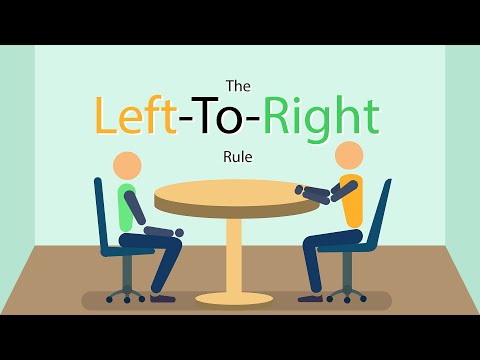
What is the lead room? I call it the left-to-right rule. A photojournalist working in TV News goes over proper interview framing in this round of Video journalist storytelling techniques. In photography, filmography and other visual arts, lead room, or sometimes nose room, is the space in front, and in the direction of, moving or stationary subjects. Well-composed shots leave space in the direction the subject is facing or moving. When the human eye scans a photograph for the first time it will expect to see a bit in front of the subject. For example, moving objects such as cars require lead room. If extra space is allowed in front of a moving car, the viewer can see that it has someplace to go; without this visual padding, the car's progress will seem impeded. Additionally using this left to right method, you can help save yourself in the edit. When you are editing a news story, aka putting together a pkg, it can be tricky from a visual standpoint if you only film all of your interviews from one direction. That's why it's important to vary the directions and lead-rooms you give your subjects. Try to keep a count in your head, how many rights, and how many lefts have you filmed so far? Try and keep them balanced so you can more easily cut from one interview to another. Tips from a news photographer, photog, photojournalist, photojournalism, video news, video TV news, broadcast news, advice from a TV News Cameraman. #videojournalism #leadroom #framing IG: Waldenglass

Continue this lesson in the app
Install CourseHive on Android or iOS to keep learning while you move.




