
Summary
Keywords
Full Transcript
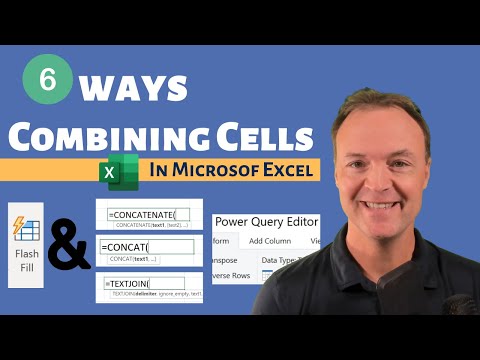
In this Microsoft Excel tutorial, I will show you how to combine cells in Microsoft Excel using different methods like Flash Fill, the Ampersand &, Functions (CONCATENATE, CONCAT, TEXTJOIN), and Power Query. So when you need to merge or combine cells in Microsoft Excel consider one of these methods. Practice sheet: https://leveragingdigitalinc-my.sharepoint.com/:x:/g/personal/jamie_leveragingdigital_com/EaxIh4c8dUhFl3TgTpLUbQIBUjeypUWhXVSY0JbaK_NteA?e=X6cztf My Microsoft Excel Playlists Beginner Microsoft Excel Tutorials: https://youtube.com/playlist?list=PLmkaw6oRnRv8lAKbKbflJRqS-9wuYNWUw How to use functions and formulas in Excel: https://youtube.com/playlist?list=PLmkaw6oRnRv_GeQNcc_hHtnxbRC7gDLST 0:00 Introduction 0:50 Using Flash Fill in excel 1:44 Combining cells with the Ampersand (&) in Excel 3:03 How to use the CONCATENATE function 4:44 How to use the CONCAT function in Microsoft Excel 7:42 How to use the TEXTJOIN function in Microsoft Excel 9:14 Using Power Query to combine cells in Excel

Continue this lesson in the app
Install CourseHive on Android or iOS to keep learning while you move.




