
Summary
Keywords
Full Transcript
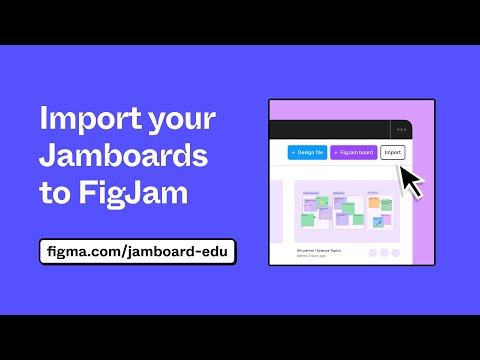
Discover how you can import all of your existing Jamboard files to fully editable FigJams! From sticky notes to sketches, watch as we demonstrate how to seamlessly transition your Jamboard content into FigJam, where you can harness the full range of FigJams interactive capabilities. 🎓 Key Takeaways: 1️⃣ Importing Jamboards into Figma: Learn the simple steps to import your Jamboard content into Figma effortlessly. 2️⃣ Retaining Collaborative Elements: See how Figma preserves the collaborative spirit of Jamboard, allowing you to continue the collaborative process once your files are imported. 3️⃣ Fully Editable FigJams: Unlock the true potential of your brainstorming sessions by turning your imported Jamboards into dynamic and editable FigJams. Migration your Jamboard files to FigJam and open up new possibilities for creative collaboration and iterative design. Figma is free to use for teachers and students. 0:00 Intro 0:15 Login 0:30 Importer 1:00 Jamboard as FigJam 1:32 Backgrounds 1:45 Shapes 2:00 Sections ____________________________________________________ Find us on ⬇️ X (formerly Twitter): https://twitter.com/figma Instagram: https://www.instagram.com/figma LinkedIn: https://www.linkedin.com/company/figma Figma forum: https://forum.figma.com/ ____________________________________________________ #Figma #FigJam #Tutorial #NothingGreatIsMadeAlone #design #tips #FigmaEdu #FigmaForEdu

Continue this lesson in the app
Install CourseHive on Android or iOS to keep learning while you move.




![SEO Course [2026 Updated]](https://i.ytimg.com/vi/HeeUHugrG5U/hqdefault.jpg)
