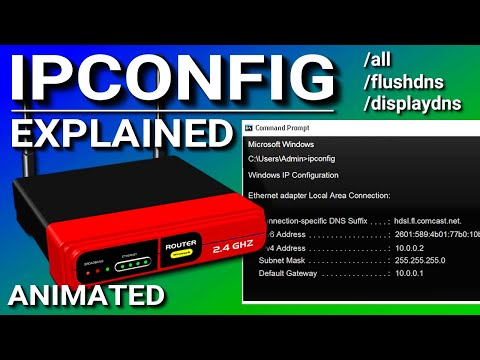
IT certifications - IPCONFIG Explained - Flush DNS Cache
Master the Network & Cybersecurity Frontier: Unlock New Horizons in Tech with Expert Certifications & Tools – All You Need to Jump-Start Your Cyber Career and Dominate the Digital World!
5.0(4)
32 learners
What you'll learn
Understand the basics of CompTIA Network+ and A+ certifications.
Learn how to effectively use network and IT help desk tools.
Gain knowledge in Python programming for beginners and job readiness.
Explore cybersecurity fundamentals and strategies to start a career in the field.
What is IPconfig? How do you flush your DNS cache? What is DNS spoofing? IPconfig is a command line tool that displays the TCP/IP network configuration of the network adapters on a windows computer. It displays things like your IP address, the subnet mask, and the default gateway. It also discusses flushing the DNS cache and switches, such as: /flushdns /displaydns /all. It also discusses what is a dual stack.
#ipconfig
0:00 IPconfig
1:29 Dual Stack
3:32 IPconfig/all
5:01 Flushing DNS
6:59 DNS Spoofing
7:34 /displaydns
Continue this lesson in the app
Install CourseHive on Android or iOS to keep learning while you move.