
Summary
Keywords
Full Transcript
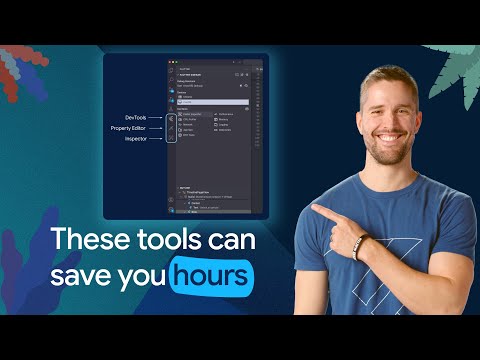
This video is part 7 of the Dart and Flutter Getting Started tutorial series. Learn about Dart and Flutter devtools. Start the written tutorial session here! → https://goo.gle/3NUgYSg Introducing Flutter's DevTools, a suite of developer tools designed to help you understand, monitor, and debug your Flutter applications. Learn how the Flutter Inspector visualizes your app's widget tree and debugs layout issues, including the Flex Explorer for complex widgets. We cover the Property Editor for inspecting and modifying widget properties without code changes, and the full-featured Debugger for breakpoints and variable inspection. Explore additional tools like the Performance, Memory, Network, and App Size views to optimize your app. Chapters: 0:00 - Introduction to Flutter DevTools 0:44 - Accessing Flutter DevTools 0:58 - The Flutter Inspector 1:12 - Understanding the Flex Explorer 2:01 - The Flutter Property Editor 3:01 - Debugging with DevTools 3:12 - Overview of additional DevTools 3:49 - Conclusion: optimizing your Flutter app Resources: Flutter API reference documentation → https://goo.gle/47PAoih Watch more Dart and Flutter tutorials here → https://goo.gle/FlutterandDart Subscribe to Flutter → http://goo.gle/FlutterYT #Flutter

Continue this lesson in the app
Install CourseHive on Android or iOS to keep learning while you move.

