Summary
Keywords
Full Transcript
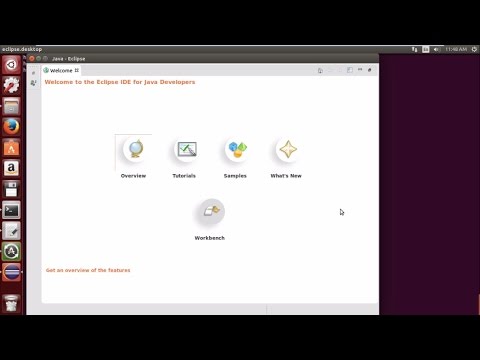
1. Download eclipse IDE from http://www.eclipse.org/downloads/packages/release/luna/sr2 *Link to English video https://youtu.be/qRBIVIfFGNc 2.Move it to opt directory sudo mv eclipse-java-luna-SR2-linux-gtk.tar.gz /opt 3.Change directory to opt cd /opt 4.Extract files tar -xzvf eclipse-java-luna-SR2-linux-gtk.tar.gz 5. Create a desktop file sudo gedit /usr/share/applications/eclipse.desktop 6. Paste following text in your desktop file [Desktop Entry] Name=Eclipse Type=Application Exec=/opt/eclipse/eclipse Terminal=false Icon=/opt/eclipse/icon.xpm Comment=Integrated Development Environment NoDisplay=false Categories=Development;IDE; Name[en]=eclipse.desktop 7. Install desktop file sudo desktop-file-install /usr/share/applications/eclipse.desktop 8. Change directory to /usr/local/bin cd /usr/local/bin 9. Create a symbolic link sudo ln -s /opt/eclipse/eclipse

Continue this lesson in the app
Install CourseHive on Android or iOS to keep learning while you move.