
Summary
Keywords
Full Transcript
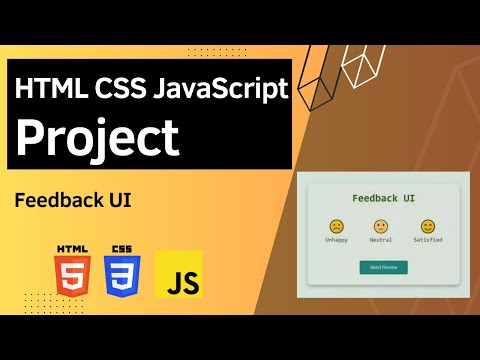
🌟 Ready to hear what your users think? Join us in this project where we'll guide you through creating an engaging Feedback UI that not only makes it easy for users to express their sentiments but also adds a touch of interactivity and style. Source code and demo: https://www.100jsprojects.com/project/feedback-ui In our final project, you'll discover a sleek and user-friendly interface that offers three feedback options: unhappy, neutral, and satisfied, each with a delightful hovering effect. Your users can select their rating of choice, and it becomes active, changing the background color for added visual appeal. But here's the magic – even if your users refresh the page, they can freely choose another rating, and the feedback section updates dynamically. We'll install the project with a modern design, add background color, and create a container with a subtle box shadow. JavaScript takes center stage as we add and remove classes to activate a rating and provide a smooth user experience. We'll also incorporate an event listener for the "send review" button, triggering a function that displays the inner text of each selected rating in the feedback section. This project is an excellent opportunity to learn about creating an interactive Feedback UI that's not only user-friendly but also visually appealing. Whether you're a web design enthusiast or a seasoned developer, this tutorial is perfect for enhancing your web development skills. Don't forget to like, comment, and subscribe for more coding tutorials. Let's create an Interactive Feedback UI that encourages open communication with your users! 🗣️📊🚀 #FeedbackUI #WebDevelopment #CodingTutorial #JavaScript

Continue this lesson in the app
Install CourseHive on Android or iOS to keep learning while you move.




