
Summary
Keywords
Full Transcript
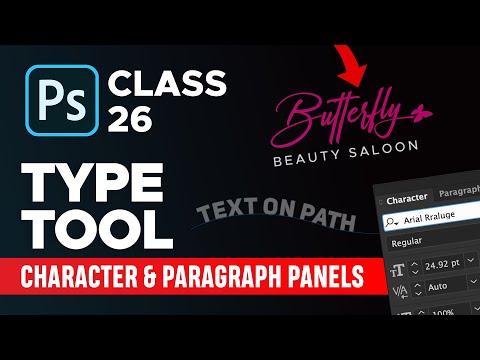
In this class you will learn how to use type tool, character panel and paragraph panel. You will also learn how to write text on a path and in circle shape. And you can also change the shape of text using warp text feature in photoshop. I have also guided on how to use font filters and how to create a quick signature logo in photoshop. Also with character panel we can increase the line spacing and character spacing. — SUBSCRIBE for more tutorials ► http://bit.ly/DesignAcademyPK Adobe Photoshop 2020 Course Playlist: ► https://bit.ly/DAPS2020 More Photoshop Tutorials Videos ► Facebook Banner Design in Photoshop: https://youtu.be/UFeoCWi77Ts ► Podcast Cover Art (Real Fiverr Order) https://youtu.be/35JjT6oEUQA ► Album Cover Art Design: https://youtu.be/JzpXMBq8aVI Learn Logo Design - Step by Step Logo Design Process ► https://bit.ly/logodesignvids Learn Podcast Cover Art Design in Photoshop ► https://bit.ly/podcast-covers-tutorials Learn Album Cover Art Design in Photoshop ► https://bit.ly/albumartvids Make sure to drop a like if you enjoyed! If you like my content be sure to smash that subscribe button! Thank you for watching this video, it really means a lot! ❤ ★★★★★★★★★★★★★★★ You can Support me on Patreon to make Design Academy Always Free. Buy me a Coke: https://bit.ly/support-DA ★★★★★★★★★★★★★★★ Follow us: — Instagram: http://instagram.com/designacademypk — Youtube: http://bit.ly/DesignAcademyPK — Facebook: https://www.fb.com/designacademypk — Facebook Group: http://bit.ly/groupDA — Twitter: https://twitter.com/designacademypk #designacademypk

Continue this lesson in the app
Install CourseHive on Android or iOS to keep learning while you move.





