Summary
Keywords
Full Transcript
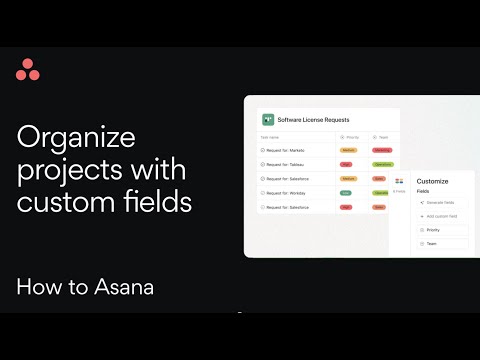
Learn how to use custom fields in Asana to track important details, organize your projects, and manage work your way. This video shows you how to create, customize, and use fields for better project visibility. Key Moments: 00:00 Intro 00:33 How to add custom fields 01:40 Use custom fields with rules, forms and bundles Subscribe to Asana’s YouTube https://go.asana.com/youtubesubscribe or head to our channel https://www.youtube.com/asana to check out more videos. For more information on how to use Asana’s custom fields, explore our Help Center. And remember to follow us on our other social media channels: Asana Help Center - https://go.asana.com/asanahc LinkedIn - https://www.linkedin.com/company/asana Instagram - https://www.instagram.com/asana/

Continue this lesson in the app
Install CourseHive on Android or iOS to keep learning while you move.