
Summary
Keywords
Full Transcript
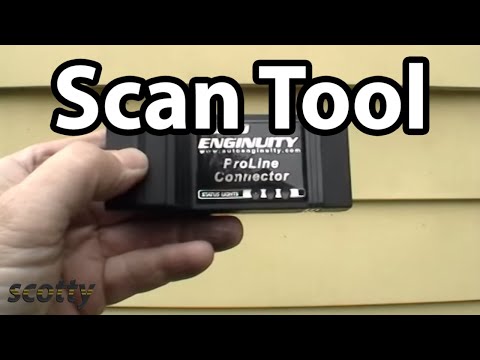
Auto mechanic for the last 45 years, Scotty Kilmer, shows you how to use your own computer to repair your car through an OBD scan tool. Using software from a company called Autoenginuity, Scotty shows how you can access all the computer information on your vehicles using a simple computer to vehicle interface. ⬇️Things used in this video: 1. Scan Tool: http://amzn.to/2Bnitly 2. Common Sense 3. Full HD Camera: http://amzn.to/2AvoEk7 4. My computer for editing / uploading: http://amzn.to/2i2sKYz 5. Video editing software: http://amzn.to/2jv5Fhf 6. Thumbnail software: http://amzn.to/2k7tz6C 🛠Check out my Garage to see what I use every day and highly recommend: https://www.amazon.com/shop/scottykilmer ❗️Check out the Scotty store: https://goo.gl/RwhRGU 👉Follow me on Instagram for the latest news, funnies, and exclusive info / pics: https://goo.gl/ohy2cA If you liked this video, consider subscribing and press the bell Icon to get updated on the latest videos every week. And remember, every day (7 days a week), I upload a new video on the Scotty Kilmer Channel: https://www.youtube.com/user/scottykilmer Also, if you like my car help, be sure to watch my live car talk show, every Thursday afternoon at 1 CST and Saturday morning at 10 AM CST on YouTube. I answer your car questions LIVE there. Just check it out at: https://www.youtube.com/watch?v=yQtdBelbqdg Scotty Kilmer is a participant in the Amazon Influencer Program. #savagescotty

Continue this lesson in the app
Install CourseHive on Android or iOS to keep learning while you move.

