
Summary
Keywords
Full Transcript
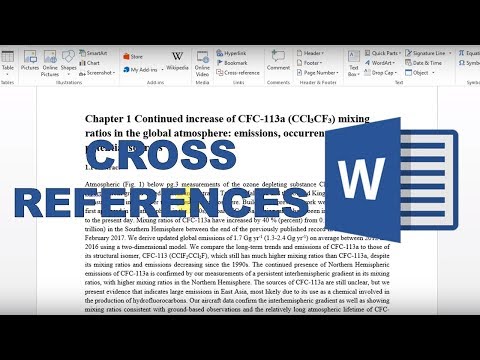
In this video I show you how to make cross references in word. Cross referencing is when you refer in the text to another place in the text. This can be a figure, a table, a section, an equation, etc. This needs to be do in academic writing to link different parts of the document together. However often while writing the number of the figure/table/section/equation can change and it can be time consuming to go back and renumber all the sections so word allows you to create dynamic cross references that will update if the number changes. The cross references in word will also act as hyperlinks that will transport you to that point in the document. Note that this will only work if you are using the official microsoft word headings/figures/tables etc. --------------------------------------------------------------------------------- #wordtutorials #mswordtutorial #wordtipsandtricks SUBSCRIBE: https://goo.gl/c46YPs VIDEO INFO: This writing is part of my PhD thesis. --------------------------------------------------------------------------------- IF YOU LIKE THIS VIDEO YOU MAY ALSO LIKE: - This video is part of a playlist: Writing a thesis in Word https://www.youtube.com/playlist?list=PLVe64sIb7fSbqk3P0cO4UfdGstTk8Jjn7 - How to make chapters, sections and subsections in word https://youtu.be/Yh7OgpwNgg0 - How to make figure captions and a table of figures in word https://youtu.be/HbhcYQzMKmU

Continue this lesson in the app
Install CourseHive on Android or iOS to keep learning while you move.


![SEO Course [2026 Updated]](https://i.ytimg.com/vi/HeeUHugrG5U/hqdefault.jpg)


