
Summary
Full Transcript
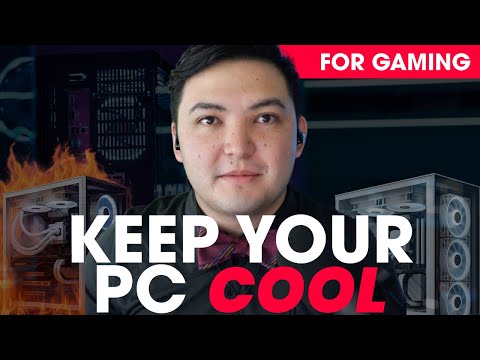
Is your PC running hot, lagging, or crashing during gameplay? 🥵 Overheating not only hurts performance—it can shorten your rig's lifespan. In this video, Davis from Apex Gaming PCs shares 8 expert-backed tips to help you cool down your setup and keep your games running smoothly. 🎮💨 ✅ In this guide, you’ll learn how to: - Monitor real-time temps using Hardware Info - Optimize PC placement for better airflow - Balance intake & exhaust fans like a pro - Reapply thermal paste safely - Adjust fan speeds & power settings for peak efficiency - Keep your PC dust-free (especially in humid climates) - Upgrade your cooler for serious performance gains - Know when it's time to invest in better cooling gear Whether you're gaming on a desktop or laptop, these strategies can extend your PC’s life and keep frame rates high. 💻 Shop custom gaming PCs built to stay cool under pressure: https://apexgamingpcs.com 📌 Read more about keeping your gaming PC cool here: https://apexgamingpcs.com/blogs/apex-support/how-to-keep-pc-cool-while-gaming #gamingpc #pccooling #overheatingfix #apexgaming #gamingperformance #pcmaintenance #pcbuilding

Continue this lesson in the app
Install CourseHive on Android or iOS to keep learning while you move.





