
Summary
Keywords
Full Transcript
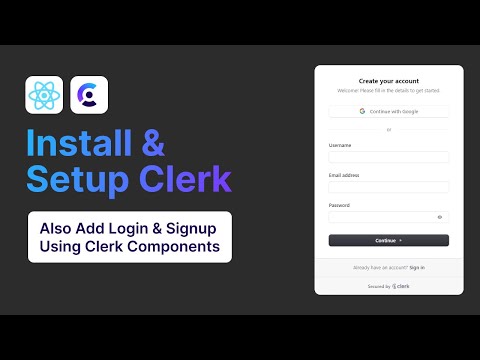
Welcome to the guide on installing and setting up Clerk in your ReactJS projects! In this tutorial, we'll walk you through the entire process of integrating Clerk, a modern user management solution, into your React applications. By the end of this video, you'll have a fully functional login and signup system up and running. Perfect for beginners and seasoned developers alike! Looking for VPS, Wordpress or Shared Hosting. Then Use The Code Below ☁️ 20% Hostinger Discount Link : https://hostinger.com?REFERRALCODE=SWEBDEV We'll cover: Introduction to Clerk and its features Step-by-step installation process Setting up Clerk with ReactJS Creating basic login and signup components Don't forget to like, comment, and subscribe for more React tutorials and developer tips! 0:00 Intro 0:46 How to Sign Up for an account in Clerk 1:01 How to Login to your Clerk account 1:19 Create your Clerk app in your Clerk account 1:34 How to setup your Clerk 2:34 Choose React 2:36 Copy and Add your API key into your .env file 3:28 Install Clerk into your React JS Project 4:06 Import the Clerk Key into your Project 6:43 Add the Clerk Provider and provide the our API key to the Clerk Provider 7:19 Add the Clerk Login & SignUp Components 8:27 Fix a small Key Error 8:52 See our Clerk components working

Continue this lesson in the app
Install CourseHive on Android or iOS to keep learning while you move.


![ReactJS Course for Beginners [ENGLISH] 2024](https://i.ytimg.com/vi/NV80nqwIIwM/hqdefault.jpg)
![ReactJS + Spring Boot Full-Stack Course [2026]](https://i.ytimg.com/vi/sAVki6-iRQs/hqdefault.jpg)

