
Summary
Keywords
Full Transcript
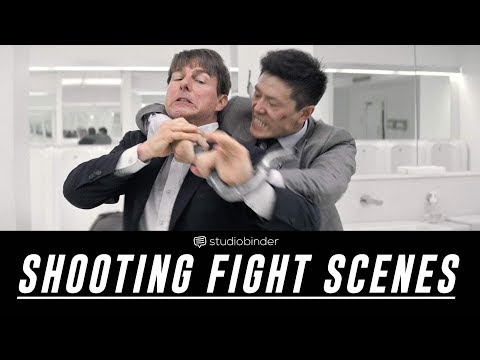
Today, we’re going to show you how to film fight scenes and shot list Mission: Impossible Fallout. Grab the FREE shot list from this video: http://bit.ly/2uQjTA1 When you shoot fight scenes it’s important to shot list and storyboard them carefully. You not only need this for the choreography, but to set the tone and mood of the fight. This fight scene is frenetic. While only being 42 seconds long, there are 31 edits. We stay handheld for the entire fight to keep it feeling real. The coverage here is intense. We not only get the hits, but we also get the reactions of the characters. It looks like they’re using a wide angle lens, and we alternate between low angle, high angle, and eye level shots. Each department works in tandem here, collaborating to keep the scene visceral. Even the costume department gets in on the action, making Henry Cavill’s back sweaty. And let’s not even dive into how important his mustache is in this fight scene. All together, we have an excellent fight scene that can inspire your next work. Make sure you shot list and storyboard your work before it happens. --- SUBSCRIBE to StudioBinder’s YouTube channel! ►► http://bit.ly/2hksYO0 Looking for an awesome tool to manage your productions? StudioBinder is a powerful and intuitive project management solution for video creatives; create shooting schedules, breakdowns, production calendars, shot lists, storyboards, call sheets and more. Give StudioBinder a try today and see the difference: https://studiobinder.com/pricing ––– Join us on Social Media! ––– Instagram ►► https://www.instagram.com/studiobinder Facebook ►► https://www.facebook.com/studiobinderapp Twitter ►► https://www.twitter.com/studiobinder Pinterest ►► https://www.pinterest.com/studiobinde0545/ LinkedIn ►► https://www.linkedin.com/company/studio-binder

Continue this lesson in the app
Install CourseHive on Android or iOS to keep learning while you move.

