
Summary
Keywords
Full Transcript
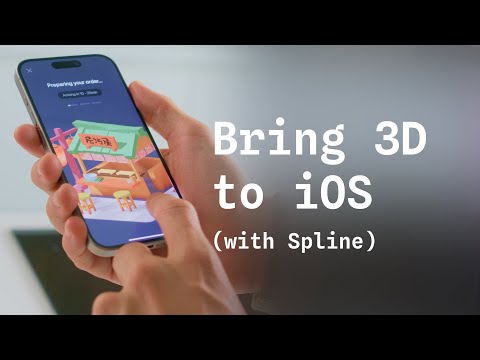
Discover how to elevate your iOS apps with stunning 3D! In this tutorial, learn how to export your interactive 3D designs from Spline as native 3D for iOS apps. Whether you prefer cloud embeds or local downloads, you'll discover how to make your scenes look and perform beautifully on any Apple device. 00:00 Intro 00:29 Requirements 01:23 Creating an Xcode Project with Spline iOS Runtime 01:47 Adding Spline iOS Runtime 03:02 Embedding 3D Scenes - Settings 03:45 Understanding the Difference Between Local and Cloud Embedding 05:25 Integrating Cloud Embeds 05:59 Integrating Local Embeds 07:36 Generating a Pre-Built Xcode Project 09:00 Pre-Built Xcode Project using Cloud Mode 10:00 Replacing a scene using Cloud Mode 10:41 Pre-Built Xcode Project using Local Mode 12:05 Replacing a scene using Local Mode 13:43 Spline Mirror - Exporting for Vision OS Links: 💖 Spline → http://app.spline.design 📚 Spline Docs → https://docs.spline.design --- Our Social: 📷 Instagram → https://www.instagram.com/splinetool 🎵 TikTok → https://www.tiktok.com/@splinedesign 💙 LinkedIn → https://www.linkedin.com/company/splinetool 🐦 X → https://twitter.com/splinetool 👾 Discord → https://discord.gg/spline

Continue this lesson in the app
Install CourseHive on Android or iOS to keep learning while you move.




