Summary
Keywords
Full Transcript
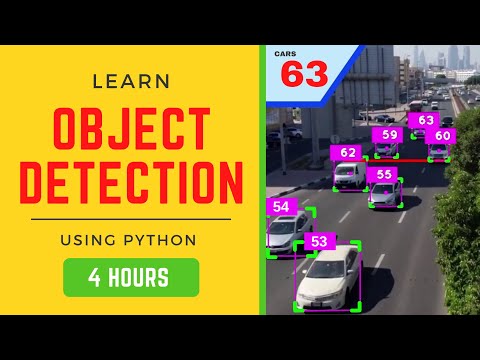
This project runs real-time object tracking while letting you click on any tracked object to instantly crop and display it in the top-right corner of the interface. The workflow blends tracking precision with user interactivity, creating a practical and intuitive visualization tool for modern AI applications. In this tutorial, we’ll explore the complete process, from reviewing tracking documentation to walking through the Python code and testing it live. This approach not only improves usability but also helps you analyze detections faster, isolate key objects from dense scenes, and integrate dynamic visualization into solutions like surveillance, retail analytics, or robotics. Chapters: 00:00 - Introduction to the interactive object cut-out visualizer 00:40 - Object tracking documentation overview 01:28 - Preview of the final processed output 02:18 - Python code walkthrough for click-to-crop functionality 05:16 - Live demo: click to crop tracked objects in real time 06:47 - Conclusion and key takeaways 🔗 Interactive object tracking code ➡️ https://drive.google.com/file/d/1Vm-wjVt3Ls8Fh-ochBndNc3X0neMP9Kd/view?usp=drive_link 🔗 Explore object tracking ➡️ https://docs.ultralytics.com/modes/track/ Ultralytics Resources: 🏢 About Us: https://ultralytics.com/about 💼 Join Our Team: https://ultralytics.com/work 📞 Contact Us: https://ultralytics.com/contact 💬 Discord Community: https://discord.com/invite/ultralytics 📄 Ultralytics License: https://ultralytics.com/license #objecttracking #yolo11 #pythontutorial #ultralytics #computervision #objectdetection #python

Continue this lesson in the app
Install CourseHive on Android or iOS to keep learning while you move.