
Summary
Keywords
Full Transcript
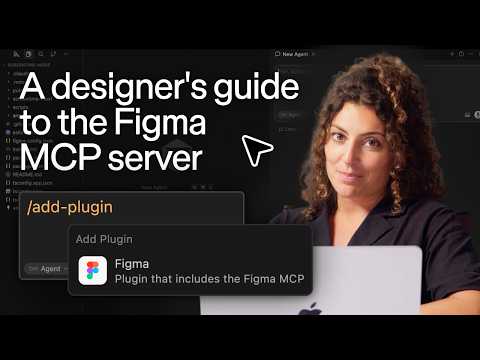
Learn how to set up the Figma MCP server and execute an AI-powered design workflow, from code to canvas and back again. Designer advocate Amy Lima walks you through installing the MCP server, using your agent to jumpstart design exploration on the canvas, and submitting a PR for your engineer to review. Available now to everyone with access to the Figma MCP server. Help center guide → https://help.figma.com/hc/en-us/articles/32132100833559-Guide-to-the-Figma-MCP-server Community skills page → https://www.figma.com/community/skills ____________________________________________________ Find us on ⬇️ X (formerly Twitter): https://x.com/figma Instagram: https://www.instagram.com/figma LinkedIn: https://www.linkedin.com/company/figma TikTok: https://tiktok.com/@figma Figma forum: https://forum.figma.com/

Continue this lesson in the app
Install CourseHive on Android or iOS to keep learning while you move.




