
Summary
Keywords
Full Transcript
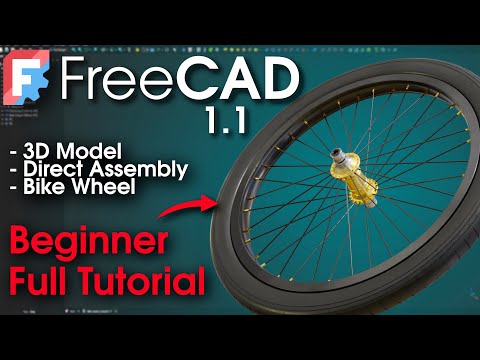
FreeCAD Complete Beginner Tutorial Bike Wheel. A huge thanks to PCBWay for sponsoring today's video! Sign up here ▶ https://www.pcbway.com PCBWay manufactures reliable PCBs, 3D prints, and CNC machined parts for demanding customers. Get your quote in seconds, and your parts are shipped in just few days! In this video, I’m going to show you how to model a bicycle wheel using the free and open-source software FreeCAD. I hope to show you that this software is mature enough to handle this type of project. FREE download of the 3D files for the Bike Wheel & Bike Hub: https://ko-fi.com/s/f6daf7d999 It’s 100% FREE. If you want to support the channel, you can leave a donation when downloading. Thank you in advance! If you enjoy the video, feel free to subscribe, and if you have any questions, don’t hesitate to leave a comment, I’ll do my best to reply. Chapters : Introduction — 00:00 Strategy — 00:13 Rim Section Sketch — 00:53 Rim Revolution — 07:59 Pocket Spoke Hole — 09:24 Polar Pattern Spoke Holes — 10:18 Rim Fillets — 10:44 Rim Copy & Transform — 11:00 Bike Hub STEP Import — 13:05 Spoke Path — 14:07 Spoke Section — 17:01 Additive Pipe Spoke — 17:55 Spoke Details — 18:19 Polar Array Spokes — 21:30 Spokes Copy & Transform — 22:33 BONUS: Tyre — 23:40 Conclusion — 30:11 #cad #freecad #bike

Continue this lesson in the app
Install CourseHive on Android or iOS to keep learning while you move.





![SEO Course [2026 Updated]](https://i.ytimg.com/vi/HeeUHugrG5U/hqdefault.jpg)