
Summary
Keywords
Full Transcript
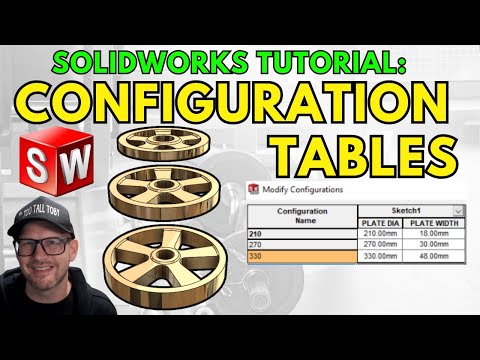
CSWP Training - https://tootalltoby.thinkific.com/courses/CSWP_PREP MORE 2D to 3D Practice Models Challenges: www.TooTallToby.com/practice - QUESTIONS/COMMENTS - - TTT DISCORD SERVER - https://discord.gg/HkNR8qyNwQ - Take TRAINING with Toby! www.TooTallToby.com/training MODEL used in this challenge: 24-WC-48 - WEIGHTS Original Tournament Match: https://www.youtube.com/live/_7c9lpb-9rE?si=tLrhMmZz4XHx7Z76&t=6351 MORE PRACTICE MODELS and DISCORD: www.TooTallToby.com/practice #onshape #tutorial #extrude #revolve #hole #how #to #training Get 6 months of Onshape Professional for Free Onshape.pro/tootalltoby 0:00 Intro 0:31 Planning out the approach from 2D CAD to 3D CAD 4:37 Create a NEW PART in SOLIDWORKS using Templates 11:48 Using a CONFIGURATION TABLE in SOLIDWORKS 16:15 Create an assembly and measure mass in SOLIDWORKS

Continue this lesson in the app
Install CourseHive on Android or iOS to keep learning while you move.


