
Summary
Keywords
Full Transcript
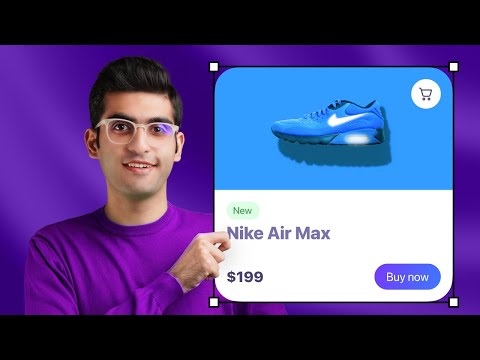
In this video, I'm going to show you how to design responsive elements using Figma Auto Layout. You will learn everything you need to know about Figma Auto Layout. We will go over the basics of Auto Layout all the way to creating advanced responsive layouts. 📂 Get the Starter File from the link below: https://bit.ly/3S8DJyk 0:00 Intro 0:39 What's Auto Layout? 01:14 Auto Layout Basics 04:18 Advanced Settings 08:13 Resizing Property 09:25 Create a Responsive Card 👉 Become a UI Designer with my UI Design & Figma Mastery course: https://bit.ly/3WE9Qe7 👉 Get my FREE UI/UX Design e-book here: https://bit.ly/3MRfDrz 📸 Instagram: https://www.instagram.com/uiux.arash Who is Arash Ahadzadeh? Well, I'm a UI/UX designer and a university instructor with 7+ years of experience, and I teach people how to design great user interfaces and experiences. I've helped over 30,000 students become UI/UX designers from scratch worldwide.

Continue this lesson in the app
Install CourseHive on Android or iOS to keep learning while you move.





