
Summary
Full Transcript
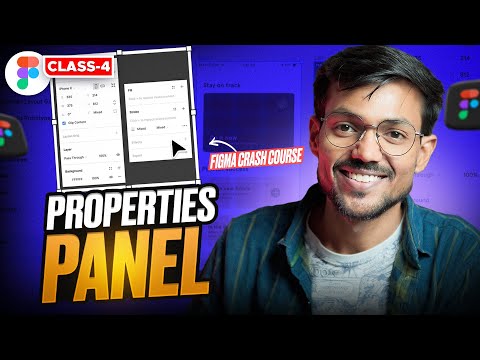
🙋🏻♂️ Welcome to the class 4 of ultimate crash course of Figma in Hindi for 100% beginners. This video is about Figma's Right panel, which is also called properties panel. If you face any problem, comment down below! Get my UX Design book "UX Decoded" : https://saurabhux.com/ Thanks for watching!❣️ Do like | share | Subscribe ----------------------------------- Create Figma account : https://www.figma.com/ Download Figma: https://www.figma.com/downloads/ Learn How to make a case study : https://youtu.be/UAmGffii60g?si=31i6L725a28MYqqD You can now interact 1:1 with me here : https://topmate.io/saurabhux Grab my free UX Case Study Template and Structure for FREE : https://topmate.io/saurabhux (Please leave a review ⭐️) Follow me on Instagram : https://www.instagram.com/saurabhux/ Connect on LinkedIn : https://www.linkedin.com/in/saurabhsainiux/ Follow on Twitter (X) : https://twitter.com/saurabh_ux Recommended Books - The design of Everyday things - https://amzn.to/3U4WPcs Change by design - https://amzn.to/49pcVT1 ------------------------------------------------------------- Music from Upbeat (free for Creators!): https://uppbeat.io/t/jeff-kaale/moonlit License code: ZEVGKQSVWLETZKM7 No copyright infringement intended #figma #uxdesign How to download Figma How to get started with Figma How to learn UI UX Design Figma tools Figma Course in Hindi Complete Figma Course How to learn Figma How to use Figma What is Figma UI Design Figma properties panel UI UX case study How to become a designer What is UI UX case study UI UX in 2024 UI design course How to learn UI/UX design How to make a portfolio Figma design UI UX design tutorial Salary of a UI UX designer

Continue this lesson in the app
Install CourseHive on Android or iOS to keep learning while you move.





