
Summary
Keywords
Full Transcript
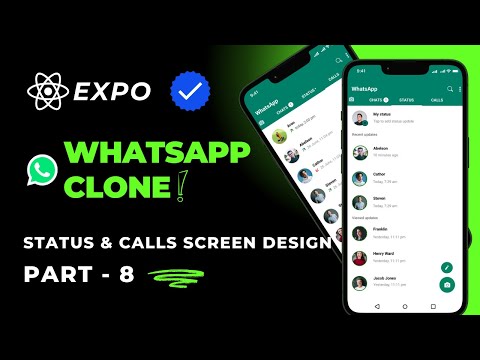
Design WhatsApp Status & Calls Screen UI in React Native Expo | WhatsApp Clone Tutorial (Hindi) In this video of the WhatsApp Clone series, I’ll teach you how to create the Status and Calls Screen UI using React Native Expo. Learn how to design the Status screen with a modern layout for viewing updates and the Calls screen to display call logs, just like WhatsApp. This step-by-step tutorial, explained in Hindi, will cover creating an intuitive and visually appealing design with proper navigation. By the end of this video, you'll have a fully designed Status and Calls Screen ready to integrate functionality in future tutorials. Don't forget to subscribe for more exciting tutorials in this series! Welcome to codsod, a coding/programming dedicated channel in Hindi language. Now you can learn best of programming concepts with industry standard practical guide in Hindi language. All source code is available at my Github account: https://github.com/ivishalchaubey Follow Me On Social Media ►Website (under devlopment): https://www.codsod.com ►Instagram: https://www.instagram.com/_codsod?igsh=OWt5bjAydHFlY2Jl ►Whatsapp: https://whatsapp.com/channel/0029VaSDo44Fsn0Y4AzlFt3R ►Telegram Group: https://t.me/+QBG6Zgt0Z_E0Mzhl ►Telegram Channel: https://t.me/codsod Comment "#codsod" if you read this 😉😉

Continue this lesson in the app
Install CourseHive on Android or iOS to keep learning while you move.

