
Summary
Keywords
Full Transcript
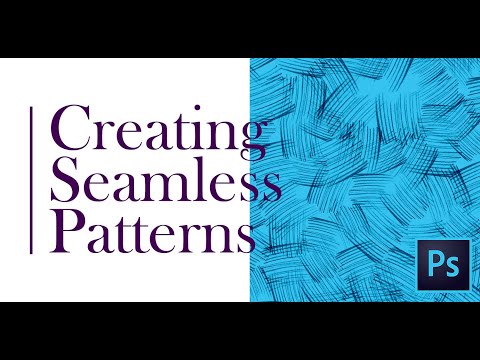
How to create Pattern? How can you create your own Pattern? How to Create pattern in few steps?? In this tutorial, you will learn how to create a seamless pattern in Photoshop. You can also create a repeating pattern using your drawings or Photoshop brushes. The First Part of this Tutorial : How to create custom Brushes in Photoshop? https://youtu.be/nvIJdam7XMw 00:17 - Creating New Brush 00:45 - Creating pattern 01:05 - Brush adjustment settings 02:03 - Applying Offset 02:35 - Defining Pattern 02:57 - Pattern Overlay 03:48 - Creating Sketch Pattern 05:39 - Using new pattern WATCH more graphic design videos: http://bit.ly/1ZfyiwI SUBSCRIBE for more Inspiring videos: http://bit.ly/1NWVuMF ▲Gumroad Store! https://gumroad.com/creatnprocess Professional Logo Design Pack!: ▲PLD Vol-1!: https://gumroad.com/l/JxlA ▲PLD Vol-2!: https://gumroad.com/l/QgRvG ▲Design Tutorial Packages! http://www.creatnprocess.net/products/ -------------------------------------------------------------------------------------------- ▲Bluehost Hosting! https://goo.gl/HqOz3g Want to see our latest work? (Logo designs, Illustrations, etc.) follow us on!: ▲Facebook!: http://facebook.com/creatnprocess ▲Twitter!: http://twitter.com/creatnprocess ▲Instagram!: http://instagram.com/creatnprocess ▲Tumblr!: http://creatnprocess.tumblr.com/ Music Credit: For any design inquiries please contact us via email: [email protected] © Creatnprocess 2019

Continue this lesson in the app
Install CourseHive on Android or iOS to keep learning while you move.




