
Summary
Keywords
Full Transcript
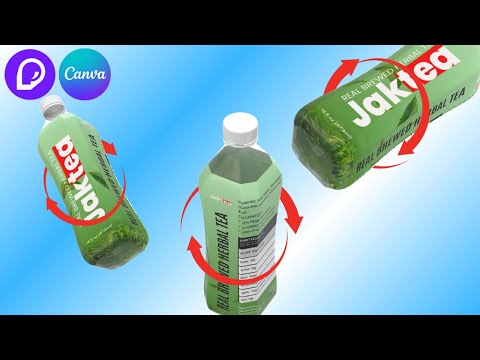
Take your product animation to the next level with Pacdora and Canva in 3D! In this tutorial, we'll show you how to unlock the magic of 3D product animation using Pacdora and Canva. From opening Pacdora, choosing the right 3D mockup and dieline in Pacdora, arranging the packaging design in Canva creating stunning visuals to bringing your products to life as a real 3d product animation mockup, we'll cover it all. . Whether you're a marketer, entrepreneur, or designer, this video is perfect for anyone looking to elevate their product animation game. So, what are you waiting for? Dive in and discover the endless possibilities of 3D product animation with Pacdora and Canva! . Do you want to make 3D mockup animation? Signup Pacdora here https://www.pacdora.com/ If you need to upgrade to Pacdora Pro, please use my code RENO20 for 20% off Canva animation tutorials: https://www.youtube.com/playlist?list=PLbJMZWDDD1Pa55Eu--t8823v_VM60C5pI Canva motion graphic tutorials: https://www.youtube.com/playlist?list=PLbJMZWDDD1Paa9wQfEdzDJ1wk5S5VMvdw . #pacdora #mockup #3Danimation #canvatutorial

Continue this lesson in the app
Install CourseHive on Android or iOS to keep learning while you move.





