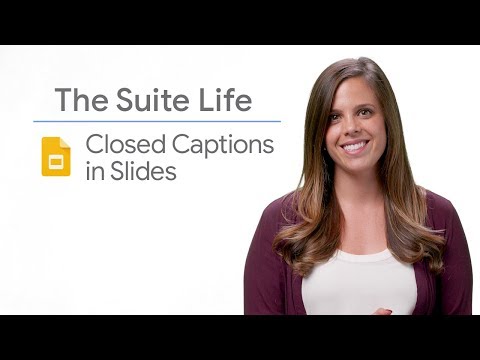
Ever needed to present, and wanted to make sure that your message was clear to your audience? In this episode, Laura Mae Martin will go over how to add closed captions to your Google Slides presentation, so your audience won’t miss a beat.
G Suite Twitter → https://goo.gle/2Z1gHh5
G Suite Linkedin → https://goo.gle/2Z1mXpc
G Suite Facebook → https://goo.gle/2H4n7pA
Sign up for G Suite → https://goo.gle/2MYR8L7
Watch other episodes of The Suite Life → https://goo.gle/TheSuiteLife
Subscribe to G Suite → https://goo.gle/GSuite
Product: G suite; fullname: Laura Mae Martin;
#GoogleWorkspaceProductivityTips
Continue this lesson in the app
Install CourseHive on Android or iOS to keep learning while you move.