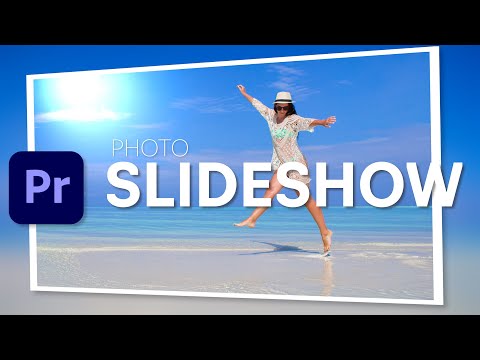
How to create a clean, simple, professional, and modern photo slideshow.
► Sponsor: Download millions of stock videos, music, SFX, templates, and more! Start a 7-day free trial: https://elements.envato.com
Steps featured in this video:
00:00 Intro
00:46 Create a sequence + edit timeline settings
01:01 Import photos to Premiere Pro
01:33 Resize images
02:13 Add gaussian blur effect
03:28 Animate positions foreground photo
04:28 Add a white border
05:05 Add drop shadow
05:50 Add the slide effect
06:44 Add the 3d effect
07:55 Render the effects
►MUSIC used in this video: https://audiojungle.net/item/summer-lounge-house/19438771
#Storysium #PremiereProTutorial #PremiereProBasics
Continue this lesson in the app
Install CourseHive on Android or iOS to keep learning while you move.