Summary
Keywords
Full Transcript
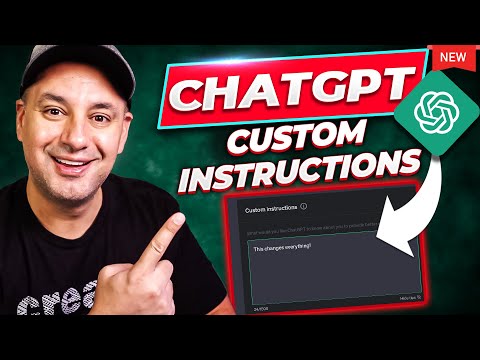
ChatGPT just introduced custom introductions and it might be one of the most useful options to ever come to ChatGPT. Let me explain what it does. It lets you give ChatGPT context or introductions on how to response and it will remember that for every conversation. I’ll show you several use cases in this video, but this is going to save a ton of time. This is currently only available to plus users in the U.S. Here are some examples: I'm a content creator, teaching people about the latest AI tools and updates. In box two, you can put something like this. The style should be formal, detailed, and informative. Please avoid using any creative or promotional language. Another example: I’m a beginner chef. I don’t have any prior experience cooking. In box two, tell it to give you every answer in threes and table format. You can read more about it here: https://openai.com/blog/custom-instructions-for-chatgpt We just launched a new platform for learning ChatGPT, Midjourney and the top 20 AI tools. You can try it for free here: https://bit.ly/skillleap-howfinity

Continue this lesson in the app
Install CourseHive on Android or iOS to keep learning while you move.