
Summary
Keywords
Full Transcript
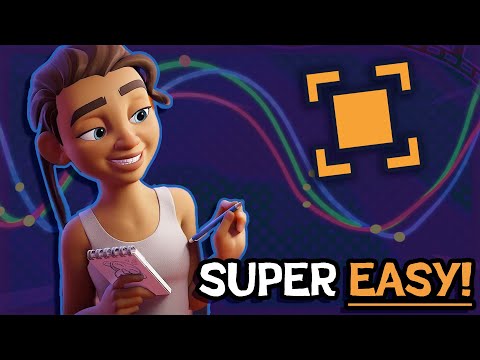
It's finally time for the fun part- importing and posing characters in Blender using Pose Mode and controllers on an armature! ✨ ✨My Low Poly Course is on Sale just until April 30 2026 💖⤵️ Check it out here: https://www.crashsune.com/low-poly-course ✨ Blender Studio Website: https://studio.blender.org/characters/ Learn everything you need to know to Animate in Blender! Full Blender Tutorial Playlist: https://youtube.com/playlist?list=PLcaQc6eQjXCxFhrsFWWemTkxAWwAmbxzi Chapters: 00:00 - Blender Studio Website 01:20 - Rain File Extraction 02:40 - Opening Rain's .blend 05:27 - Pose Mode 7:40 - Posing Rain 8:44 - Outro Credits: Blender Studio - Rain Rig ► TikTok - https://www.tiktok.com/@crashsune ► Instagram - https://www.instagram.com/crashsune/ ► Twitter - https://twitter.com/Crashsune ► Discord Server - https://discord.gg/T2snJde

Continue this lesson in the app
Install CourseHive on Android or iOS to keep learning while you move.




