
Summary
Keywords
Full Transcript
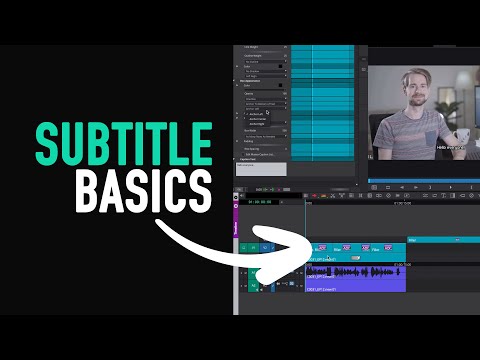
This video is about how to create subtitles in Avid Media Composer. I show you how to create, export and import them. I've seen many people using the Title Tool for subtitles. However, the SubCap tool has many advantages and professional options for a smooth workflow with subtitles. I'm going to show you the basics of this tool and things I like about it. If you enjoy my content, buy me a coffee here: ➡️ https://www.buymeacoffee.com/hanstheeditor ⬅️ Thank you! :-) 0:00 Intro 0:20 Creating Subtitles and Stylistics 2:42 Global Sync Settings 3:40 Subtitle Stylistics 5:42 Export and Import Subtitles Gear and Recommendations:* Book that helped me learn Avid (old interface) https://amzn.to/2NUsBK0 Book that helped me become a better Editor https://amzn.to/3qbEWGW Avid Logic Keyboard (Mac) https://amzn.to/2OhqeRo Avid Logic Keyboard (Windows) https://amzn.to/3q92MTx Hard Drive (USB-C) https://amzn.to/3qbHBAq USB-C Hub https://amzn.to/3e4CUpu Noise Canceling Headphones https://amzn.to/3slv8My Sony Camera A7III https://amzn.to/2OiqBuS Lens 50mm https://amzn.to/2NMVXu1 Lens 85mm https://amzn.to/2MFLOyy Video Lights https://amzn.to/3uIt2rs *If you purchase using these links I earn a little bit and it helps me making these videos, but doesn't cost you any more. My opinions on products remain unbiased! Follow me on instagram: https://www.instagram.com/hanstheeditor

Continue this lesson in the app
Install CourseHive on Android or iOS to keep learning while you move.




