
Summary
Keywords
Full Transcript
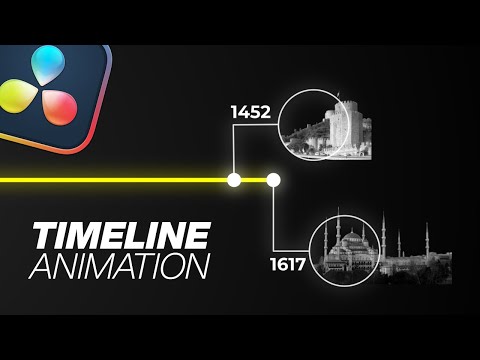
Need to visualize events, history, or progress in a way that's clean and compelling? In this DaVinci Resolve tutorial, I’ll show you how to create an animated timeline from scratch using Fusion—perfect for documentaries, explainer videos, and educational content. Project File with assets: https://www.patreon.com/posts/128296333/ What you'll learn: 🕒 Building a Clean Timeline Layout – Design timelines with key markers, dates, and events. 🎞️ Animating Elements – Smooth movement of lines, dots, and text for a professional flow. 🎯 Focus & Zoom Transitions – Guide your viewer from one point in time to the next with ease. 🎨 Styling for Clarity & Impact – Use colors, spacing, and motion to keep your timeline engaging. 📚 Use Cases – Great for storytelling, project breakdowns, history videos, and more. Whether you're a beginner or an editor looking to polish your visual storytelling, this tutorial will give you the tools to bring timelines to life with motion graphics. 📌 Like, comment, and subscribe for more tutorials on motion graphics in DaVinci Resolve! #davinciresolve #davinciresolvetutorials #davinciresolvetips #videoediting #cinematiclook #creativeedits #learndavinciresolve #motiongraphics #editingtutorial #contentcreation #videoeditingtutorial #videoeditingtips #videoedits #videoedit #videoeditor #motiondesign #timelinevideo

Continue this lesson in the app
Install CourseHive on Android or iOS to keep learning while you move.





