
Summary
Keywords
Full Transcript
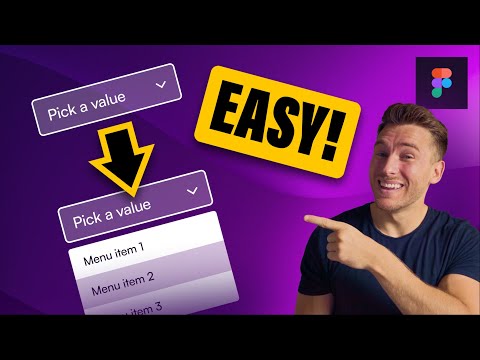
Create realistic prototypes with the simple 3-step technique taught in this video. 📕 Show Notes 📕 ➡️ Learn How To Master Auto Layout: https://youtu.be/Kf8L3CeiWzQ ➡️ Learn About The 8-Pt Grid System: https://youtu.be/ohF93_k3IMk ➡️ Learn About Interactive Components: https://youtu.be/eeGVBhZURUI ➡️ Learn About Smart Animate: https://youtu.be/thplNeqE9Tg ➡️ Subscribe To The Channel HERE: https://www.youtube.com/c/TimGabeDesign Timecodes 00:00 - Intro 01:04 - Step 1: Create Atoms 02:38 - Step 2: Add States 04:19 - Step 3: Combine Into Component #figma #figmatutorial ➡️ QUESTION — Have a question about UI, UX or Product Design? Designing in Figma? Or Anything Else? Post in the comments section of this video—I’m happy to answer!

Continue this lesson in the app
Install CourseHive on Android or iOS to keep learning while you move.





