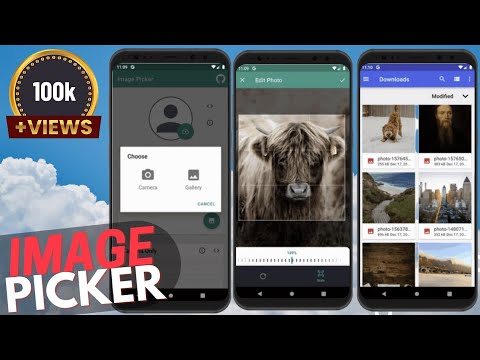
Android Development Course (JAVA) - Android Studio Tutorial - Upload Image using Camera - Get Image from Gallery
4.0(3)
31 learners
What you'll learn
This course includes
52.5 hours of video
Certificate of completion
Access on mobile and TV
Summary
Full Transcript
Get Ready to Pick Image. On Single Click Open camera then Click Pic and Upload Pic as your Profile Pic and Cover Pic. You can also select Image from gallery as well.
Links
• Image Picker Library: https://github.com/Dhaval2404/ImagePicker
Continue this lesson in the app
Install CourseHive on Android or iOS to keep learning while you move.