
Summary
Keywords
Full Transcript
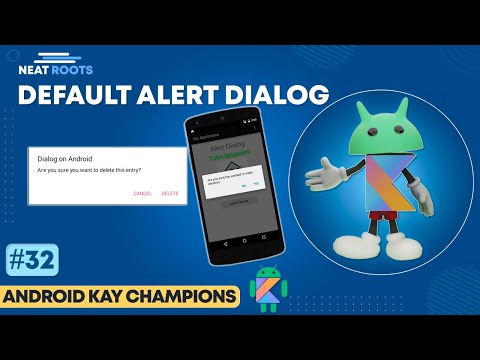
Alert Dialog in Android Studio" is a comprehensive tutorial video that teaches viewers how to create an alert dialog in Android Studio. The video is designed for beginners who are just starting out with Android development and want to learn how to create user-friendly and interactive interfaces for their apps. The video starts by explaining what an alert dialog is and why it is important in Android development. It then goes on to show viewers how to create an alert dialog step-by-step, including how to set the dialog title, message, and button options. The video also covers how to customize the alert dialog's appearance and behavior to match the design and functionality of your app. Throughout the video, the instructor provides clear and concise explanations of each step, making it easy for viewers to follow along and understand the concepts. The tutorial is accompanied by on-screen annotations and examples, making it easy for viewers to replicate the steps in their own Android Studio projects. By the end of the video, viewers will have a solid understanding of how to create an alert dialog in Android Studio and will be able to use this knowledge to enhance the usability and functionality of their own Android apps. #alertdialog

Continue this lesson in the app
Install CourseHive on Android or iOS to keep learning while you move.




