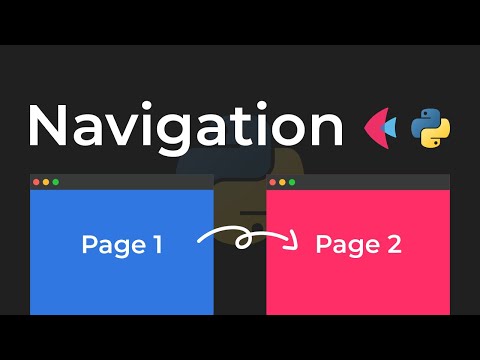
In this video we will be learning how we can add navigation to our Python apps using Flet. This works both for native applications and for web applications.
▶ Become job-ready with Python:
https://www.indently.io
▶ Follow me on Instagram:
https://www.instagram.com/indentlyreels
00:00 Intro
00:09 App preview
00:52 Imports
01:42 Main entry point 02:02 route_change() 04:57 view_pop()
06:09 Linking functionality 06:44 Running the app 07:31 Navigation
07:48 Summing it up
Continue this lesson in the app
Install CourseHive on Android or iOS to keep learning while you move.
FAQs
We curate free YouTube courses, organized by category and language — and make it easy for you to track your learning progress.
Yes. Free courses are embedded YouTube videos.
Currently available in English — with Portuguese, Spanish, French, German, and Italian coming soon.
Check ratings, reviews, duration, and description.
All courses include a certificate of participation.
Yes, an account lets you track progress, earn certificates, and save favorites.
We auto-save your watch position so you can resume on any device.