Summary
Keywords
Full Transcript
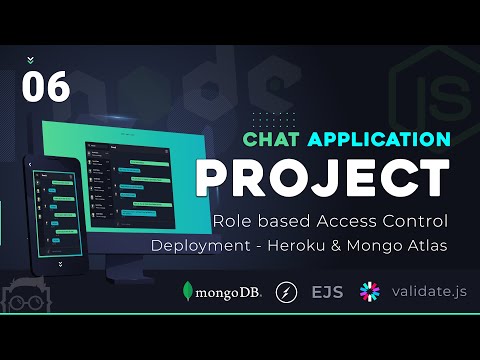
আগের video তে আমরা আমরা আমাদের application এ Realtime Chat functionality implement করে দেখিয়েছিলাম। এই video তে আমি Role base Authorization Control দেখিয়েছি। এই সাথে আমি আমাদের সম্পূর্ণ project Heroku PAAS server এ deploy করে দেখিয়েছি। MongoDB Database host করার জন্য আমরা Mongo Atlas ব্যবহার করেছি। 👍 Final Project URL: https://lwschatapp.herokuapp.com 👍 Project Github Repository Link - https://github.com/learnwithsumit/chat-application [ checkout branch "lesson-6" ] ** You will get project HTML template in repository "main" branch 👍 Project Live Demo: https://lwschatapp.herokuapp.com Admin Login -------------------------------------- Username: [email protected] Password: LearnwithSumit:-)20 Normal User Login -------------------------------------- Username: [email protected] Password: LearnwithSumit:-)20 References: 👍 Heroku CLI Installation Instructions - https://devcenter.heroku.com/articles/heroku-cli 👍 Heroku Signup - https://www.heroku.com/ 👍 React Series - https://lwsbd.link/react কোন প্রশ্ন থাকলে comment section এ comment করতে পারেন। সেই সাথে আমাদের একটি Facebook Group আছে। সেখানেও আপনার প্রশ্ন করতে পারেন। সব প্রয়োজনীয় link নিচে দেয়া হলো - 👍 Facebook Group - https://www.facebook.com/groups/learnwithsumit 👍 Like our Facebook Page - https://www.facebook.com/LetsLearnwithSumit 👍 Follow us at Instagram - https://www.instagram.com/learnwithsumit 👍 Follow me at - https://www.facebook.com/sumit.analyzen 👍 Learn with Sumit Official VS Code Theme - https://marketplace.visualstudio.com/items?itemName=SumitSaha.learn-with-sumit-theme

Continue this lesson in the app
Install CourseHive on Android or iOS to keep learning while you move.